
Credit Memos: How to Create a Credit Item
Credit items let you credit an amount that isn't tied to a product you sell, like a shipping credit or a general customer credit.
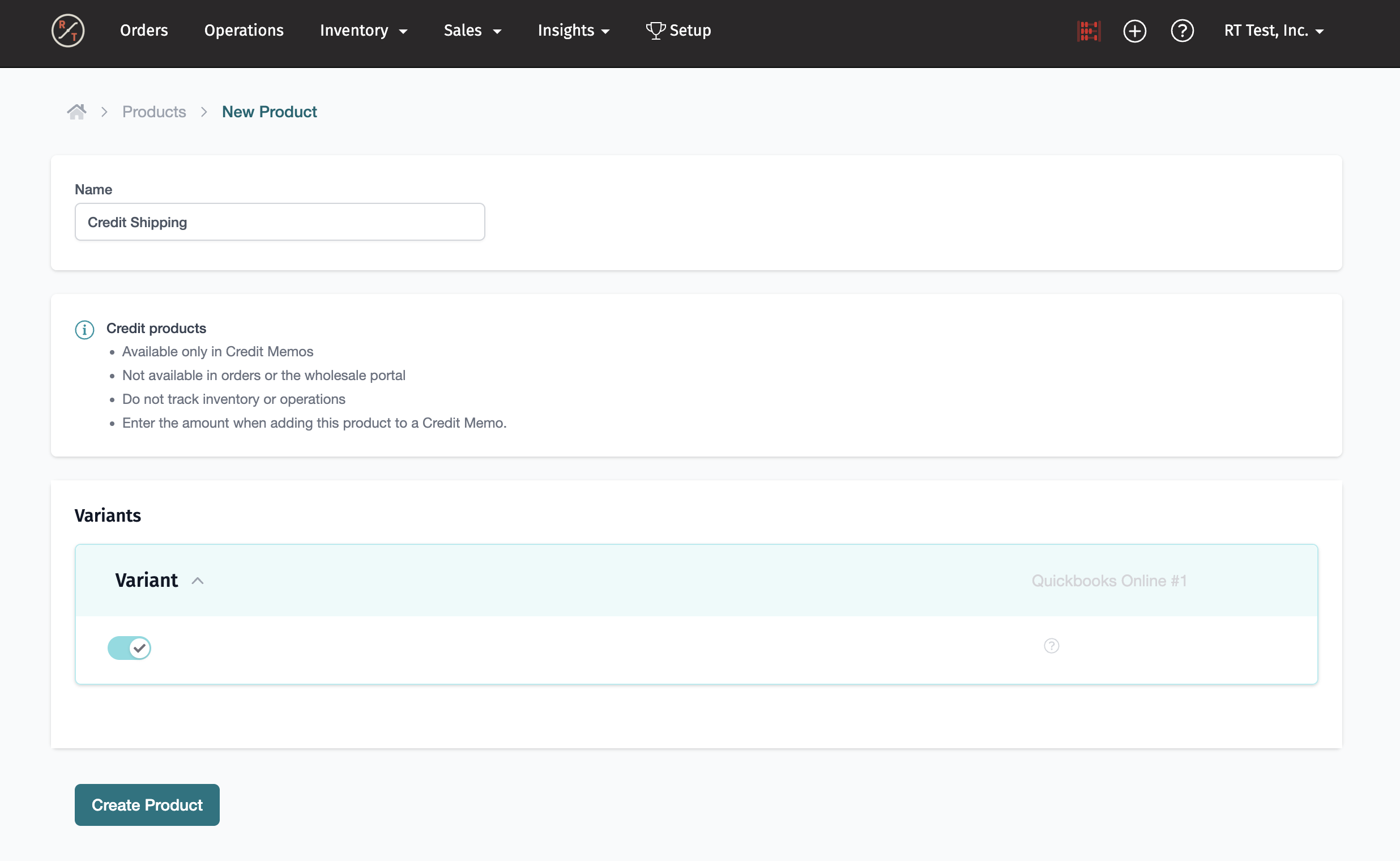
- Go to [Products > New Product > Credit].
- Name the credit item, for example "Customer Credit".
- In the [mapping] section, choose the item in your accounting software it should sync to. Memos that use an unmapped credit item won't sync.
- Save.
Once it exists, add it to any memo with Add Credit (or Add Another Credit), then set the unit price and an optional description there.
Learn More:
To use it on a memo, see Credit Memos: How to Create a Credit Memo.
Other ways to map credit items are in Credit Memos: How to Set Up Accounting for Credit Memos.